Instruments - Function generators - Load
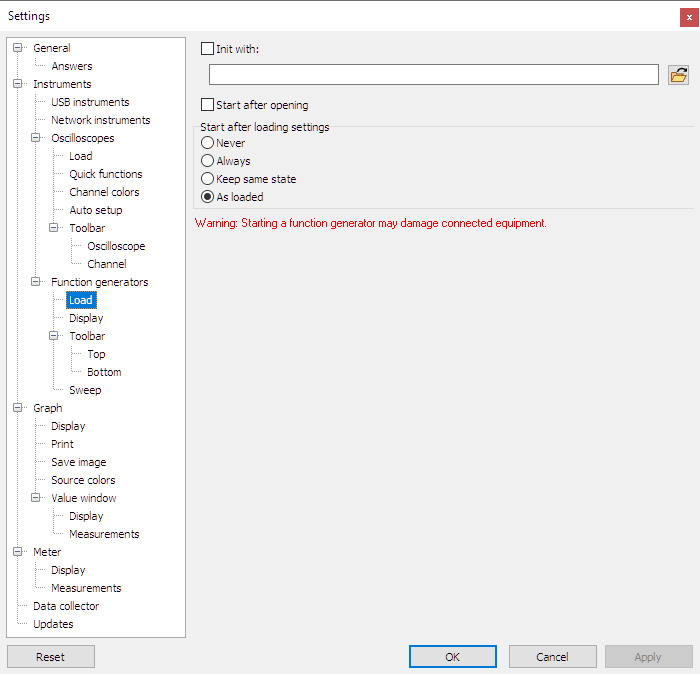
Init with
When a function generator is detected by the Multi Channel oscilloscope software, it can be opened and listed in the object screen.
Additionally, the opened generator can be initialized with predefined settings from a settings file when Init with
is checked.
Select a settings file using the  File open button.
Start after opening
When a function generator is detected by the Multi Channel oscilloscope software, it will be opened and listed in the object screen. When Start after opening is checked, the generator will start generating automatically.
Start after loading settings
After loading a TPS settings file containing function generator settings, generators can automatically be started depending on this setting. The following options are available for Start after loading settings:
- Never The generator(s) will be stopped.
- Always The generator(s) will be started.
- Keep same state If generator(s) are generating, they are restarted after loading.
- As loaded The state in the loaded setfile will be used.